

Charging Habits That Hurt Your Phone Battery

What hurts a phone battery most is not one random charge. It is long-term heat, draining it to zero often, leaving it full and plugged in for hours, and heavy use while charging. This tutorial turns those habits into 8 simple battery-friendly actions.
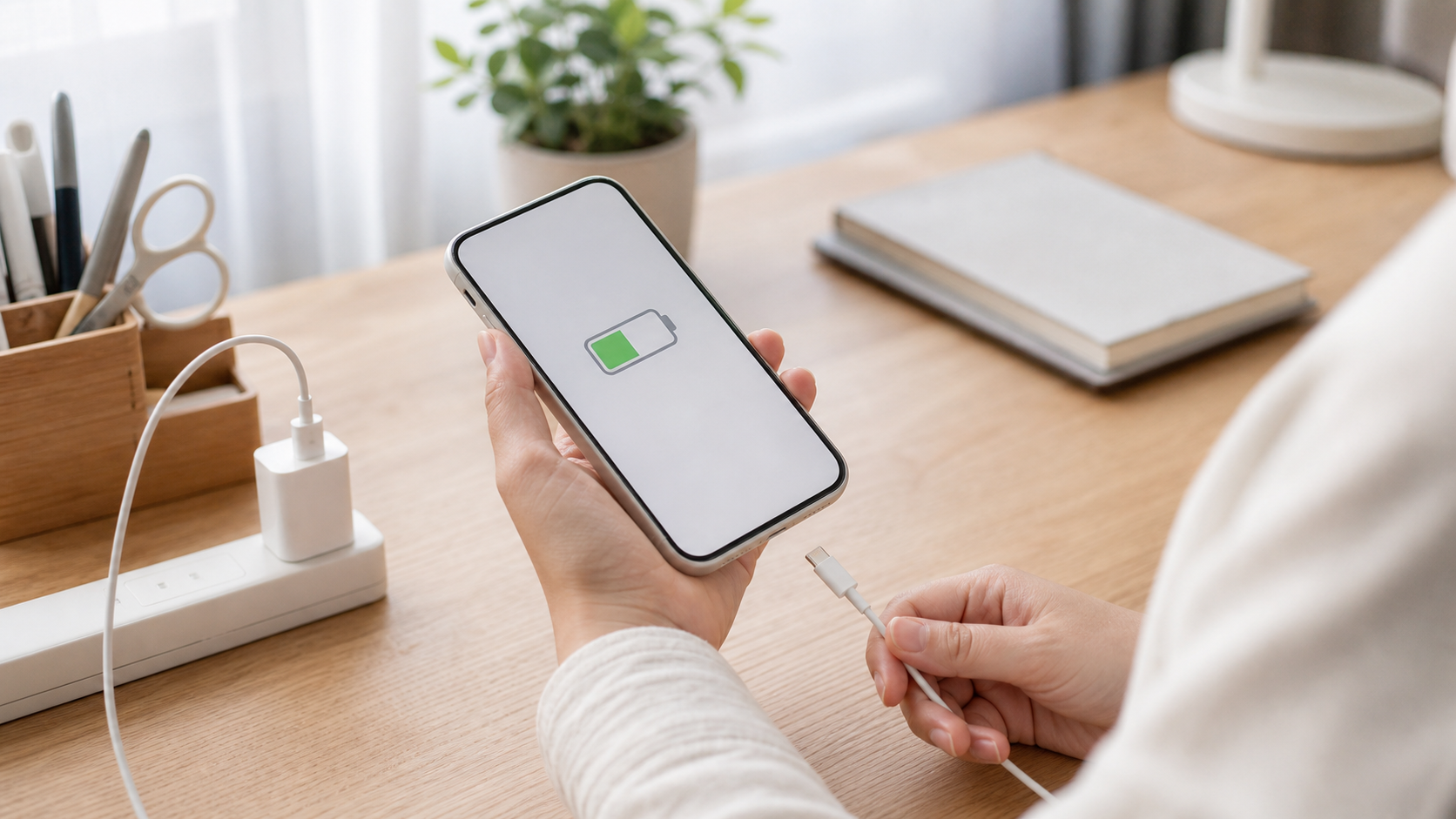
Do Not Wait for Shutdown
Start charging when the battery is already low but not empty. You can top up for a short time before going out instead of waiting for the phone to turn off.
Lithium batteries do not like staying at very low levels often. Draining to zero every day adds stress and usually forces rushed charging later. Earlier top-ups are gentler.
Draining it once in a while is fine; just do not make it a daily habit.
Use a Reliable Charger
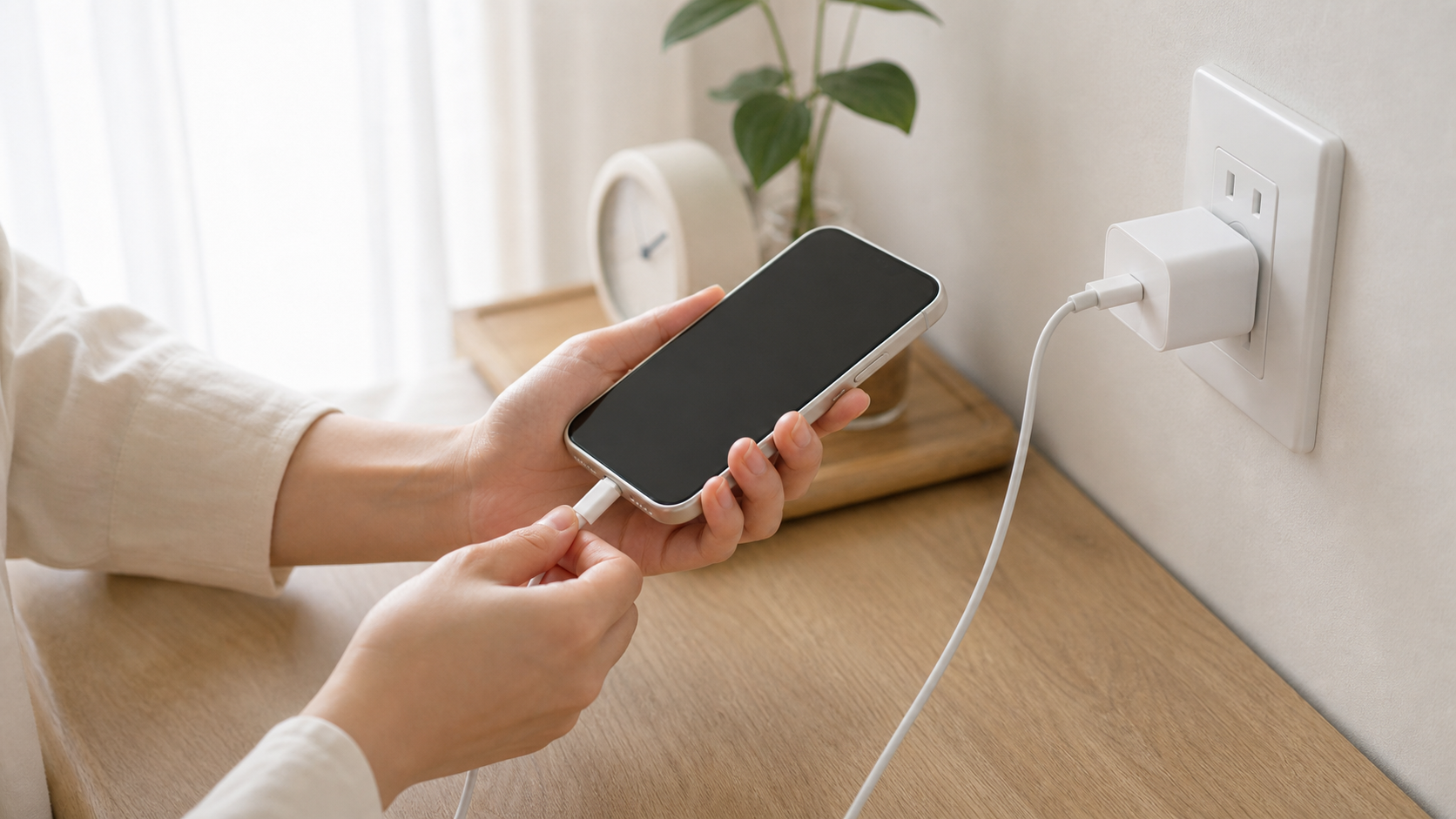
Use the original charger or a certified charger and cable when possible. If the plug is loose, the cable is damaged, or the connector heats up, replace it.
Poor chargers and damaged cables can cause unstable charging, heat, or bad contact. Batteries dislike heat, and phone ports also suffer from repeated abnormal warmth.
Avoid unknown ultra-cheap fast chargers.
Charge in Open Air
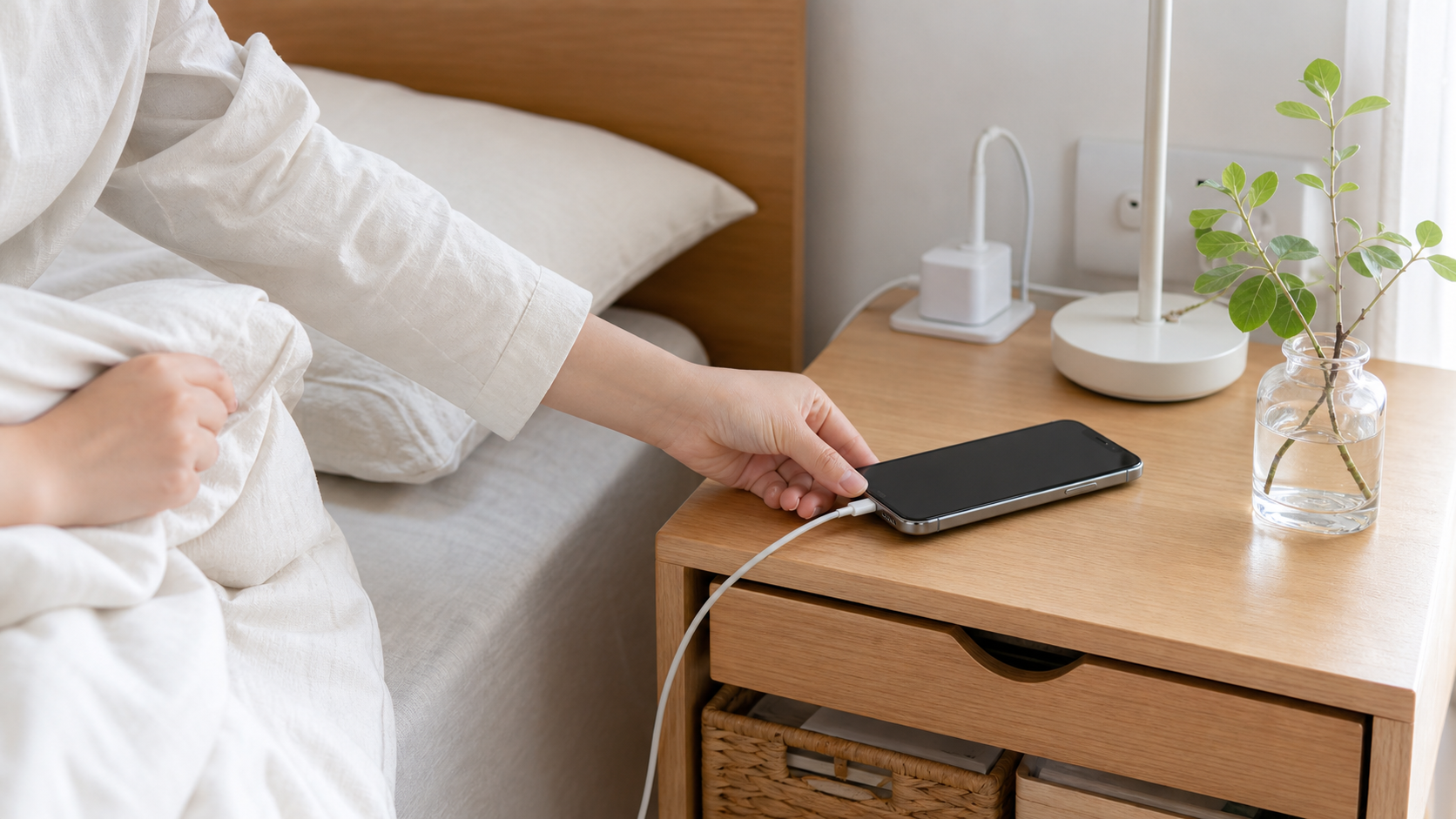
Place the phone on a desk, bedside table, or hard flat surface while charging. Do not put it under a pillow, inside a blanket, in a sofa gap, or in direct sunlight.
Charging already creates heat. Covering the phone traps that heat. Higher temperature speeds battery aging and can make the phone slow down or pause charging.
This matters especially when charging before sleep.
Remove the Case If Hot
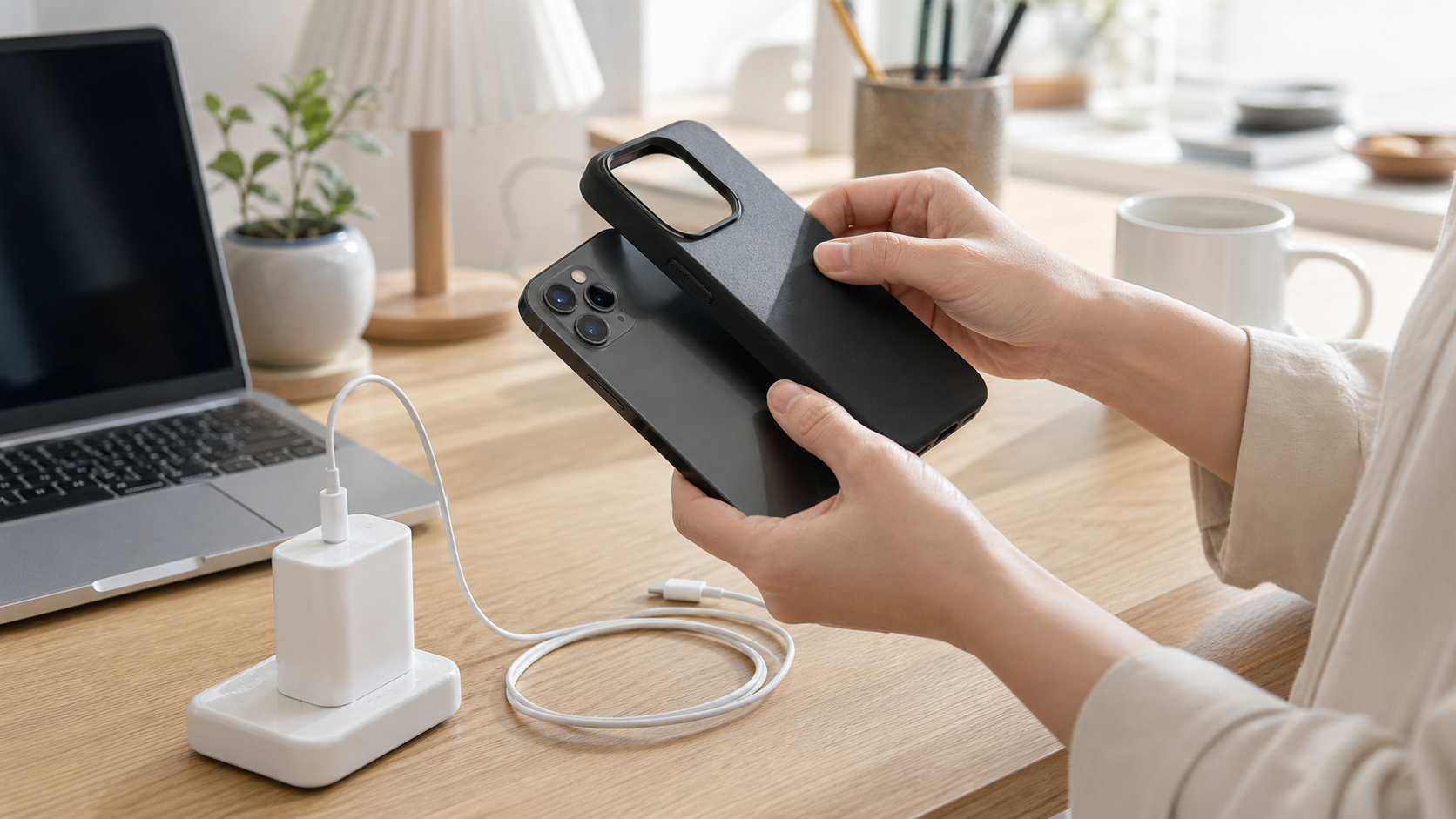
If the phone gets noticeably warm while charging, remove a thick case first. In summer or in a hot car, let the phone cool down before charging again.
Thick cases reduce heat escape, especially during fast charging, wireless charging, or hot weather. Cooling first reduces the time the battery spends charging while hot.
If the phone feels hot to the touch, stop using it and let it cool.
Avoid Heavy Use While Charging
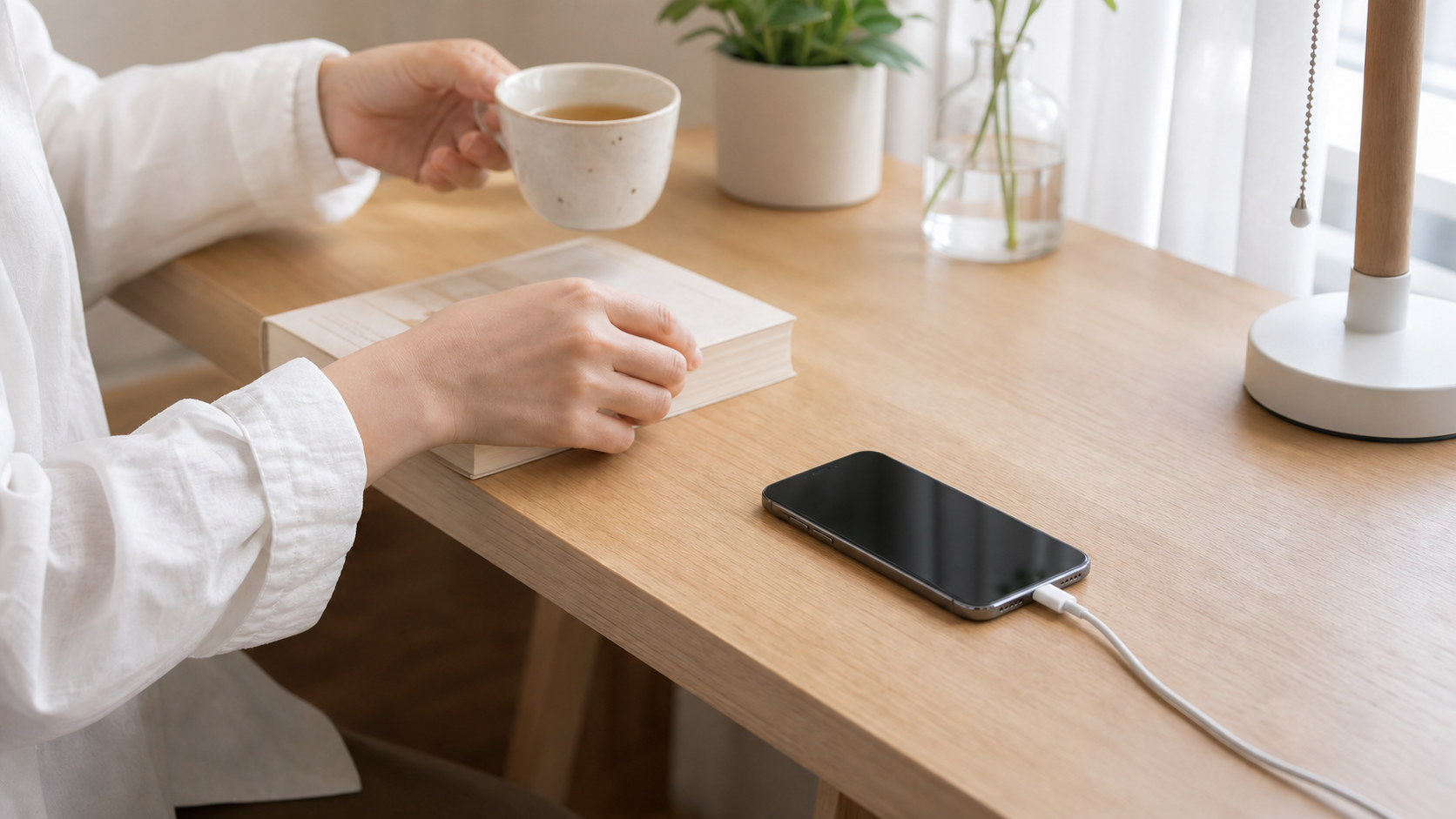
Try not to play heavy games, stream videos for a long time, or use navigation while charging. If you need to do that, unplug first or wait until the battery has enough charge.
Heavy use while charging makes the phone charge and consume power at the same time, which adds heat. Long-term heat is harder on the battery than normal charging.
Quick messages are fine; the key is to avoid high-heat tasks.
Unplug When It Is Enough
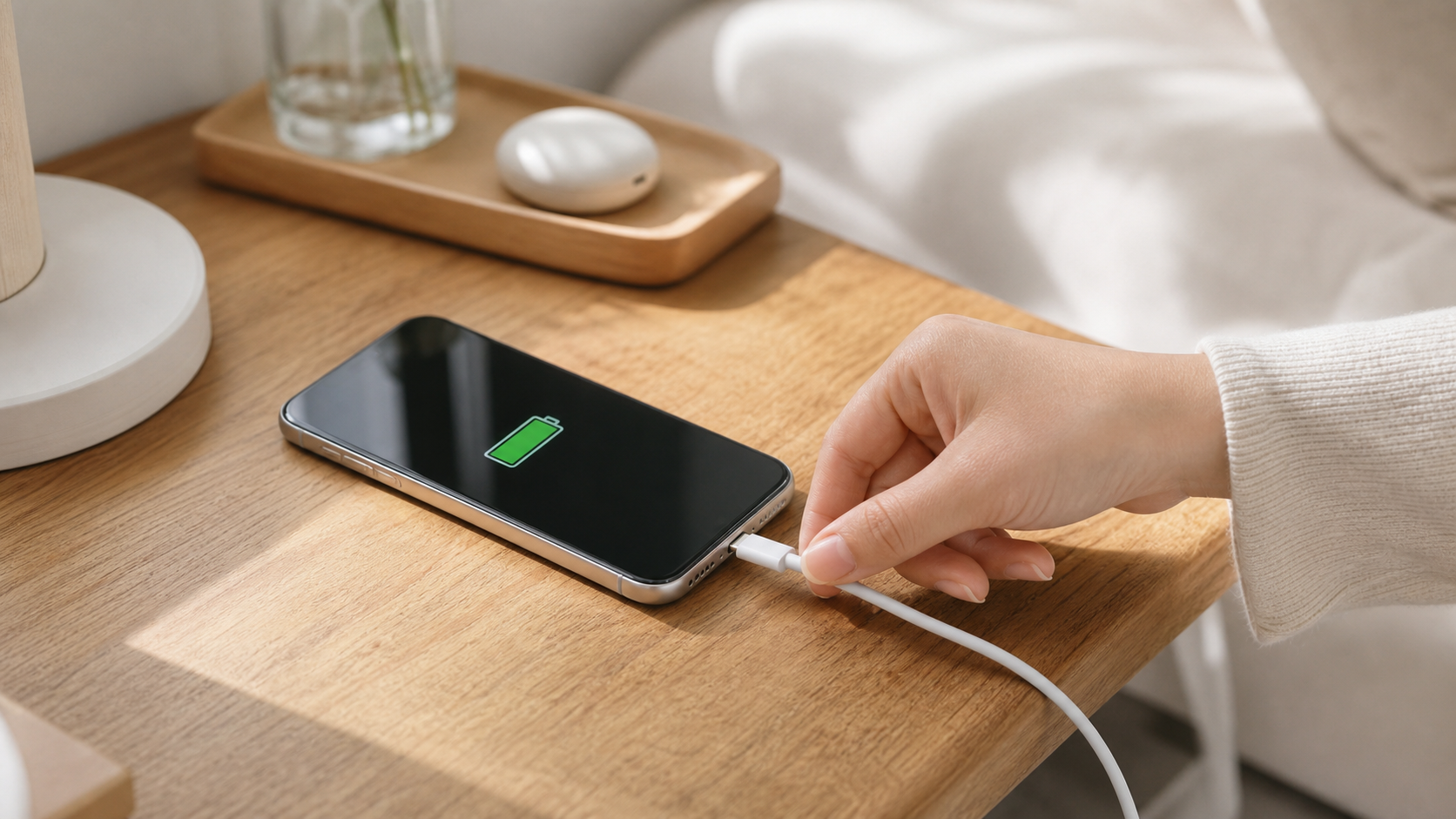
Unplug when the battery is enough for your day. You do not need to reach 100% every time. If you must charge overnight, enable optimized charging or battery protection.
Staying at full charge for a long time adds battery stress, especially when heat is present. A practical enough charge is healthier than chasing full bars every time.
Charging to 100% is not forbidden; just avoid staying full and plugged in for hours often.
Turn On Battery Protection
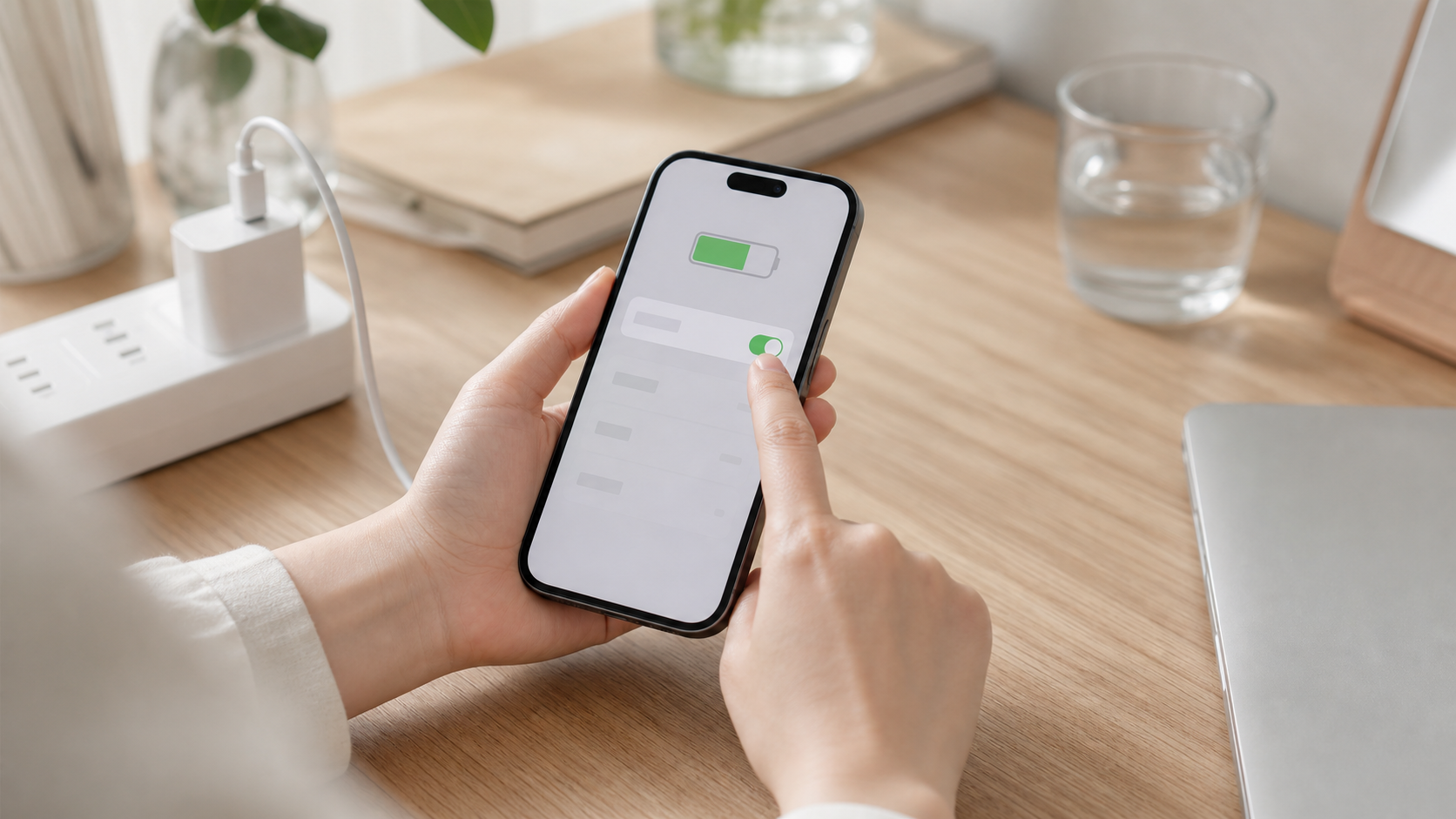
Open your phone settings and find battery options such as optimized charging, battery protection, charge limit, or similar features. Turn on the one that fits your phone.
These features learn your routine or reduce long full-charge periods. They protect the battery without making you watch the percentage all day.
If you need a full charge for a long day out, temporarily disable the limit and turn it back on later.
Check Once a Week
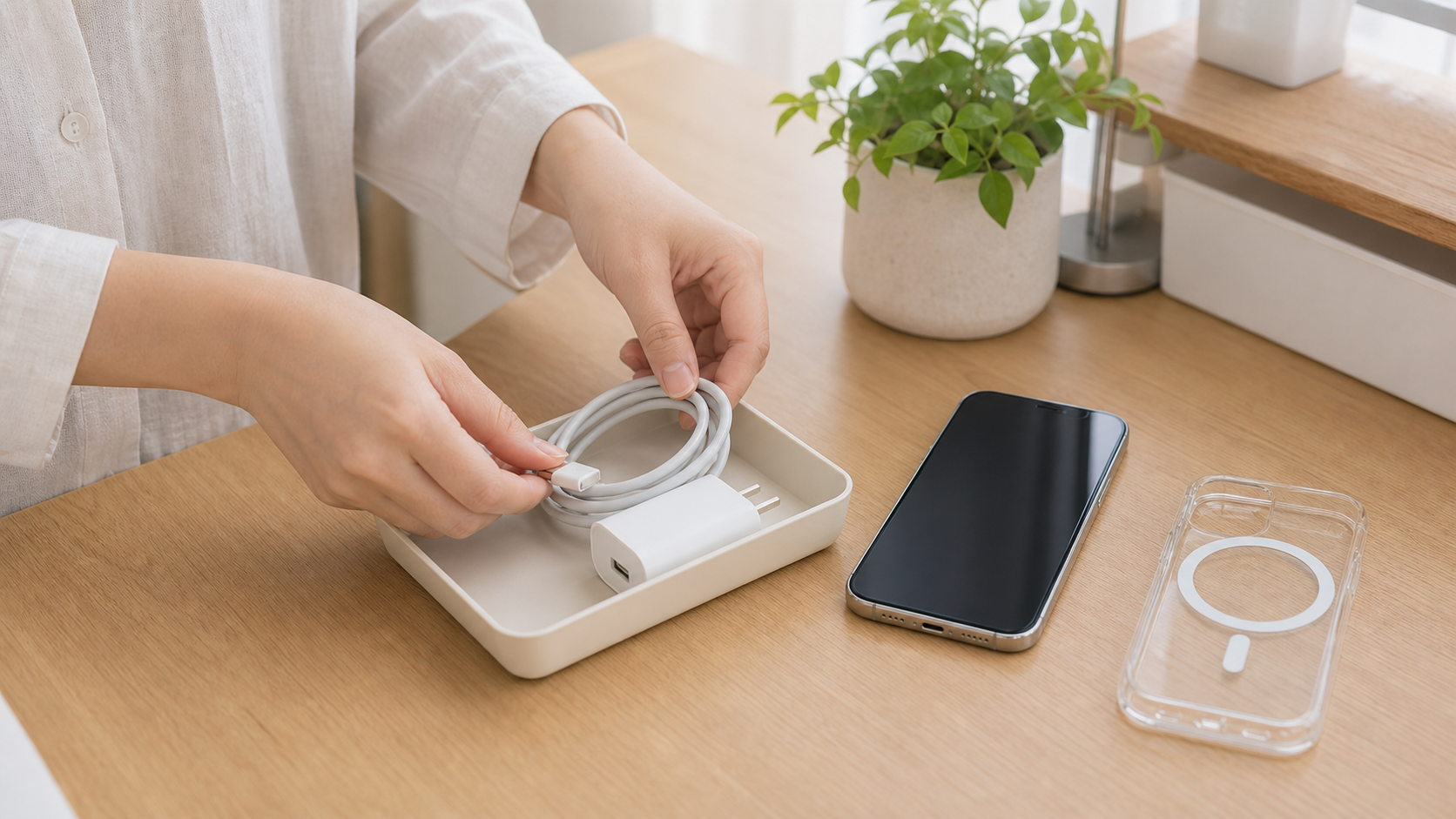
Once a week, check the cable, charger, and port for damage, looseness, heat, or bad contact. Keep your charging spot fixed, clean, and open to airflow.
Good battery care is less about memorizing numbers and more about setting up the environment. Safe cables, open airflow, and protection settings reduce daily battery stress.
If you notice unusual heat, charging failure, or battery swelling, stop using it and contact service support.
Same topic
Related guides
Related guides
Home Organization
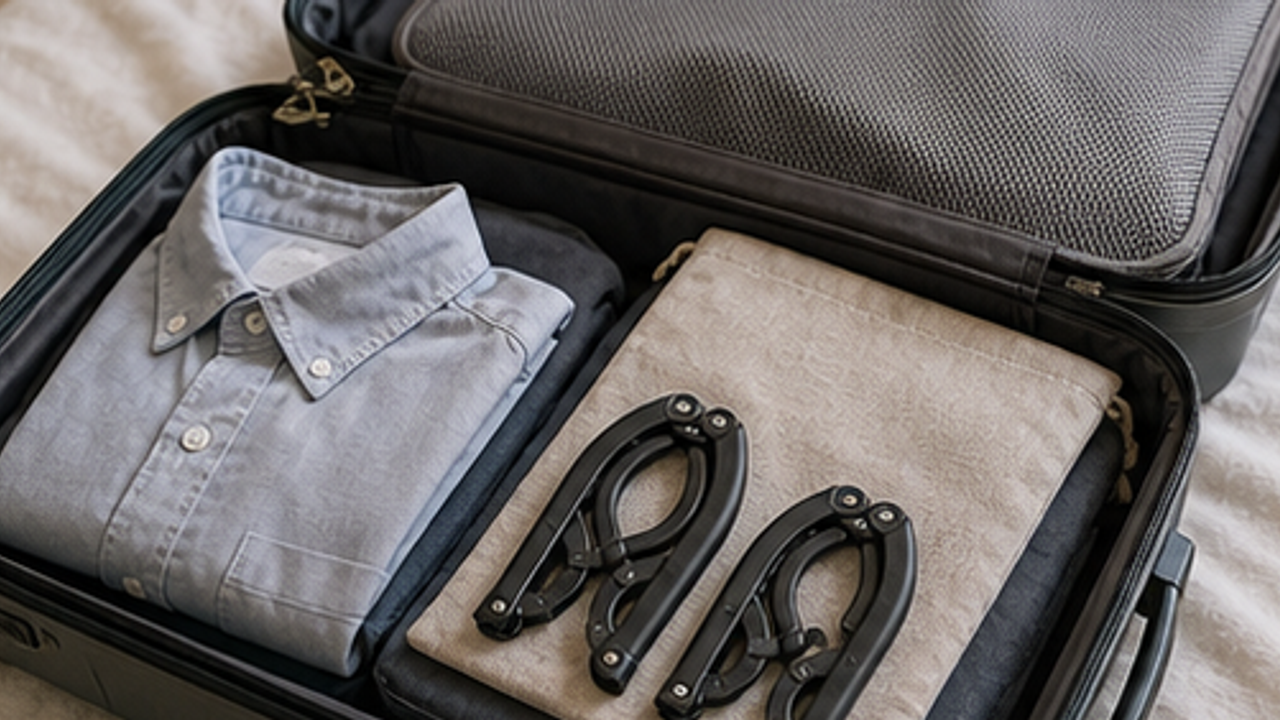
How to Prepare a Travel Folding Hanger Pouch
Give a travel folding hanger pouch one small fixed home so it is easy to use, return, and keep from spreading across drawers, shelves, or counters.
Home Organization
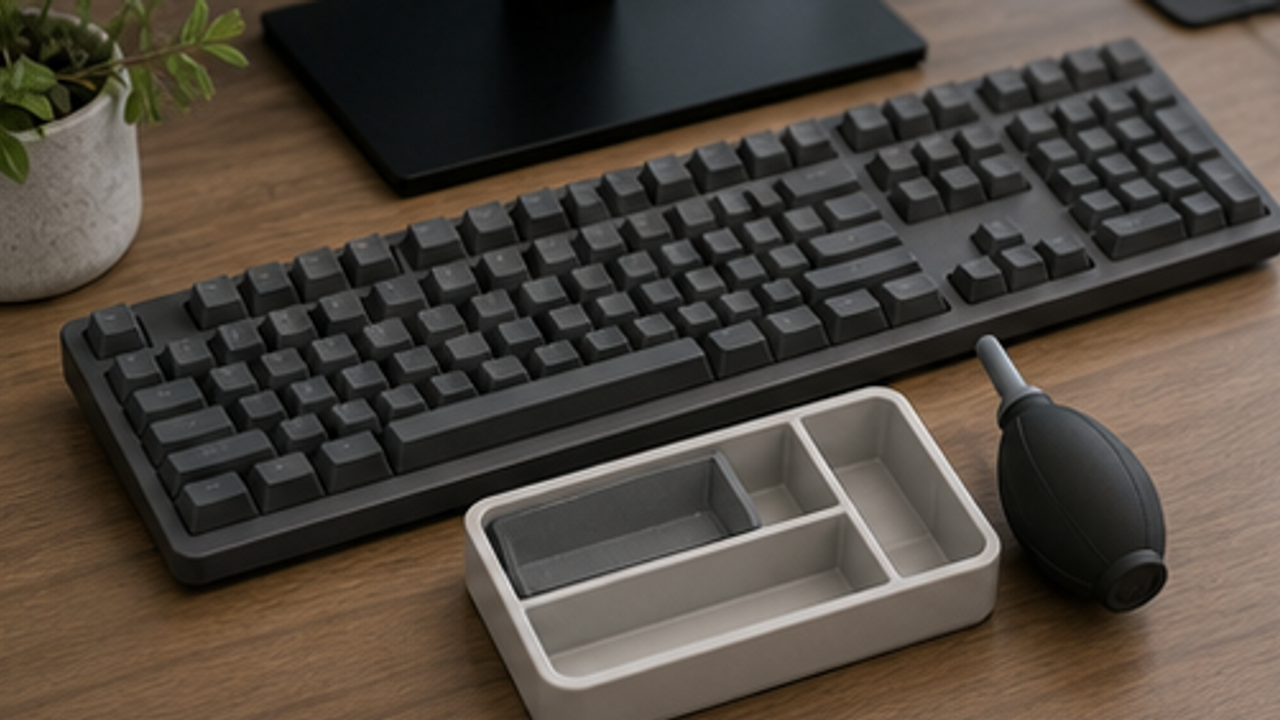
How to Set Up a Desk Keyboard Cleaning Brush Tray
Give a desk keyboard cleaning brush tray one small fixed home so it is easy to use, return, and keep from spreading across drawers, shelves, or counters.
Home Organization
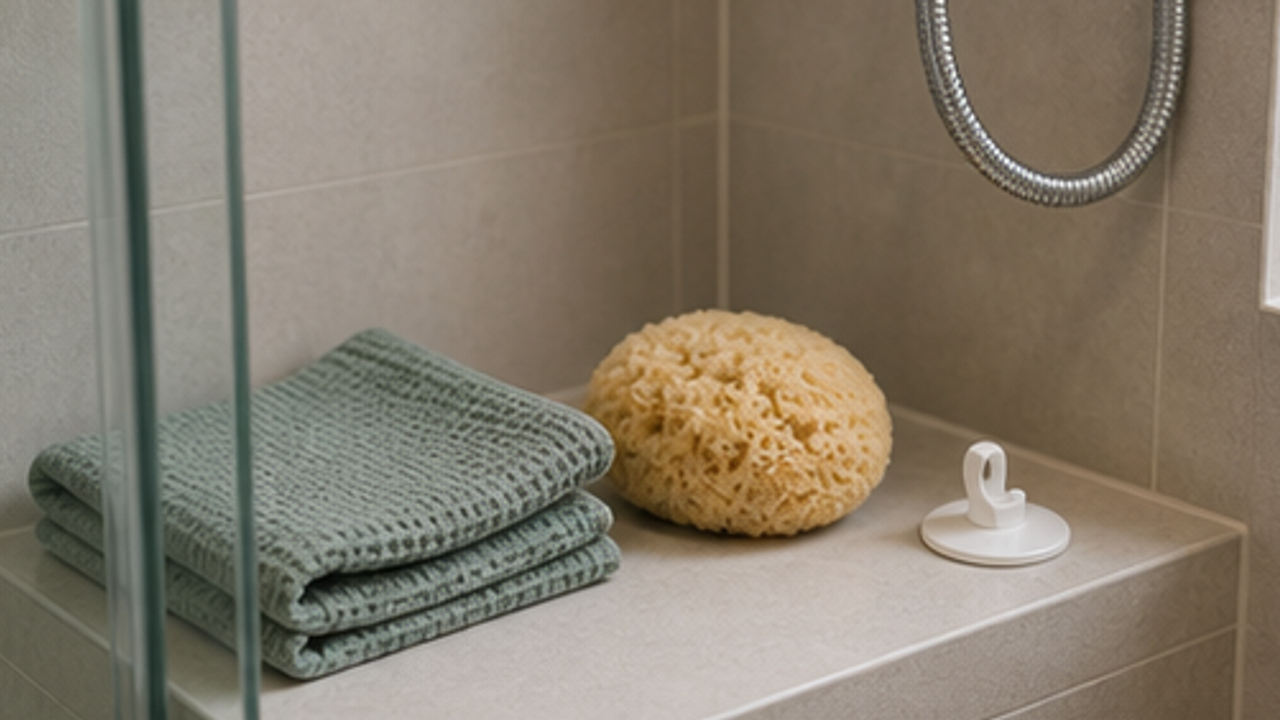
How to Set Up a Bathroom Bath Sponge Drying Hook
Give a bathroom bath sponge drying hook one small fixed home so it is easy to use, return, and keep from spreading across drawers, shelves, or counters.
Home Organization
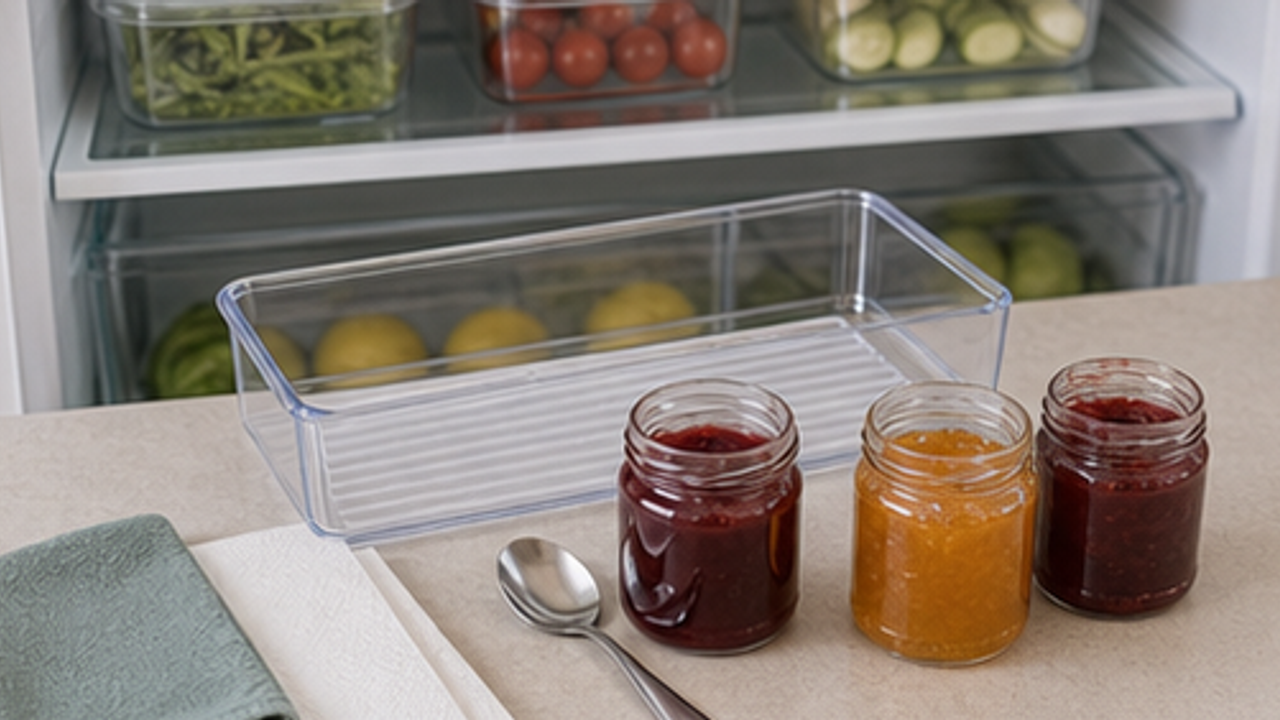
How to Organize Opened Jam Jars in a Fridge Front Bin
Give opened jam jars in a fridge front bin one small fixed home so it is easy to use, return, and keep from spreading across drawers, shelves, or counters.
More from this author
Open
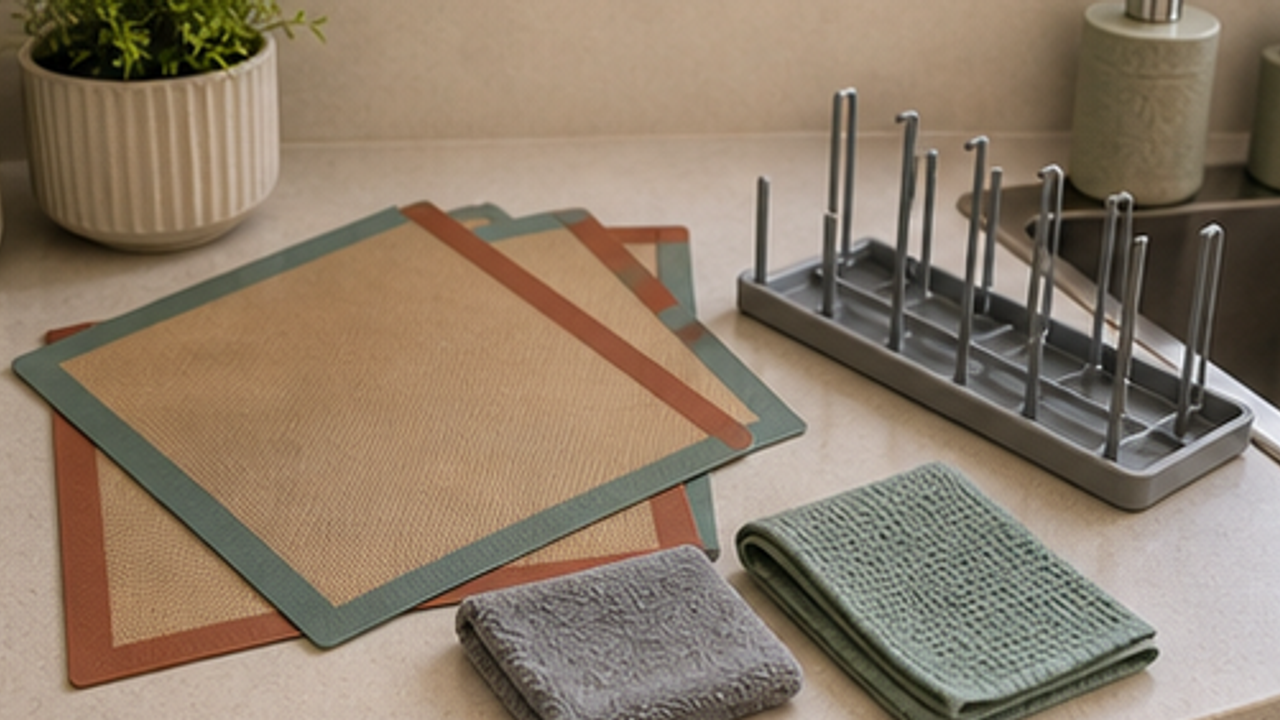
How to Set Up a Kitchen Silicone Baking Mat Drying Rack
Give a kitchen silicone baking mat drying rack one small fixed home so it is easy to use, return, and keep from spreading across drawers, shelves, or counters.
Open
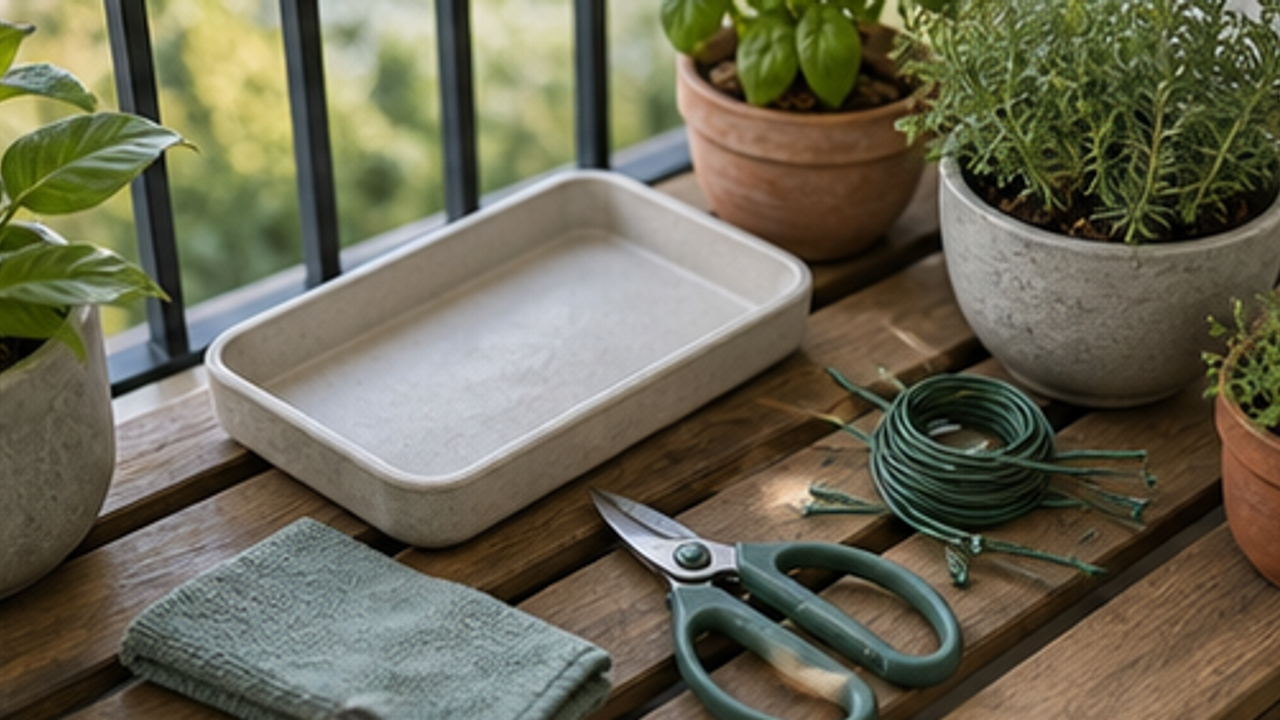
How to Set Up a Balcony Plant Pruning Tool Tray
Give a balcony plant pruning tool tray one small fixed home so it is easy to use, return, and keep from spreading across drawers, shelves, or counters.
Open
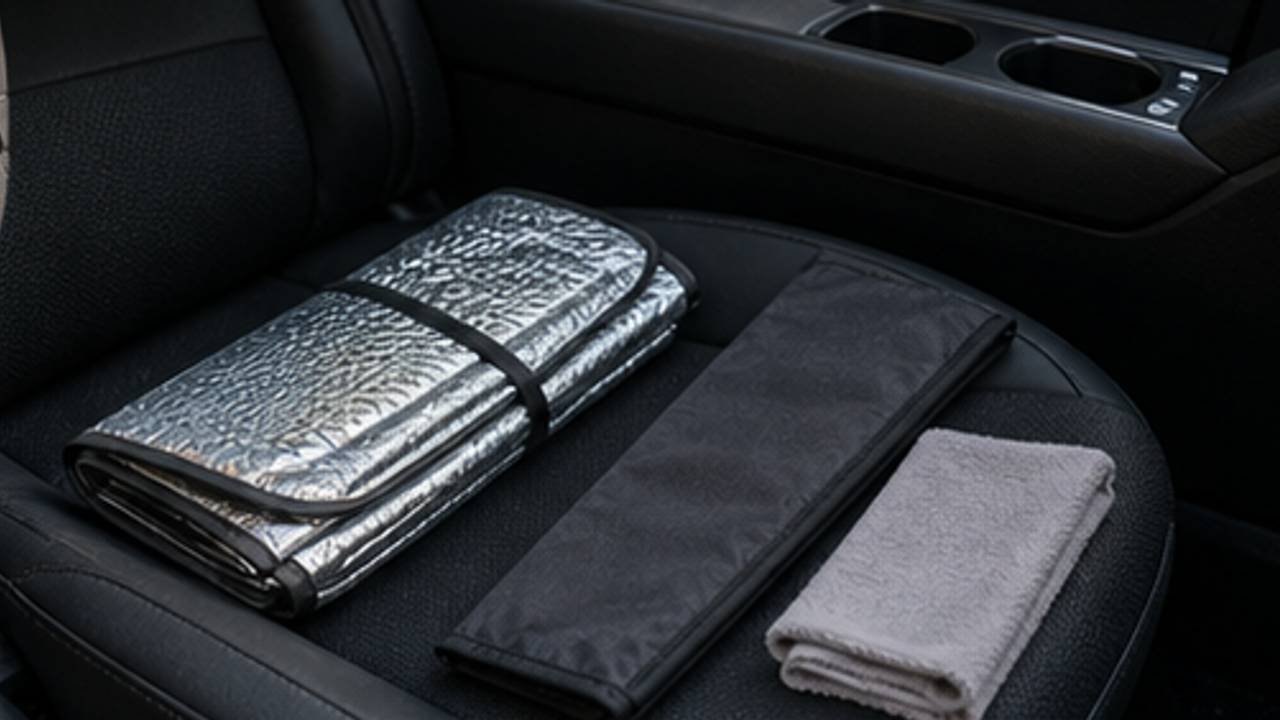
How to Organize a Car Folding Sunshade Sleeve
Give a car folding sunshade sleeve one small fixed home so it is easy to use, return, and keep from spreading across drawers, shelves, or counters.

Life Reactions
How this way feels to you
My Life Trial
Log it after trying
Comments
0 Comments
No comments yet.